

The event day checklist you'll actually use
You don't need a 30-page run sheet on event day. You need a short list of things that go wrong when nobody's watching, printed on one page and stuck to the back of your lanyard.
Detailed production plans are for the weeks before. On the day itself, you need a checklist — something you can glance at between putting out fires. Here's one that works.
Morning of: before doors open
This is the window where you catch problems cheaply. Once attendees arrive, everything costs more to fix.
Check-in stations tested. Not "they worked yesterday." Tested this morning, with live data, on the actual devices. Badge printers have paper and ink. QR scanners connect. The backup manual process is ready in case it all falls over.
Wi-Fi confirmed. Connect a device. Run a speed test. Confirm the event SSID is broadcasting in all rooms. If your sessions rely on audience interaction, live polling, or streaming, test bandwidth under simulated load if you can. Wi-Fi is the thing that breaks most often and gets tested least.
AV tested in all rooms. Every room. Not just the main stage. Confidence monitors working, microphones charged, presentation laptops connected, clickers paired. Have a spare HDMI adapter, a spare clicker, and a spare microphone per room. The thing that fails will be the thing you didn't check.
Signage placed. Wayfinding from the entrance to registration, session rooms, exhibitor hall, toilets, and catering. Check it by walking the route an attendee would walk, starting from the front door. If you have to think about where to go, the signage isn't working.
Volunteer briefing done. 15 minutes, maximum. Cover: where to send lost attendees, who to radio when something breaks, session room locations, and the one phone number that gets them help. Volunteers who know three things are more useful than volunteers who sat through a 45-minute briefing and remember none of it.
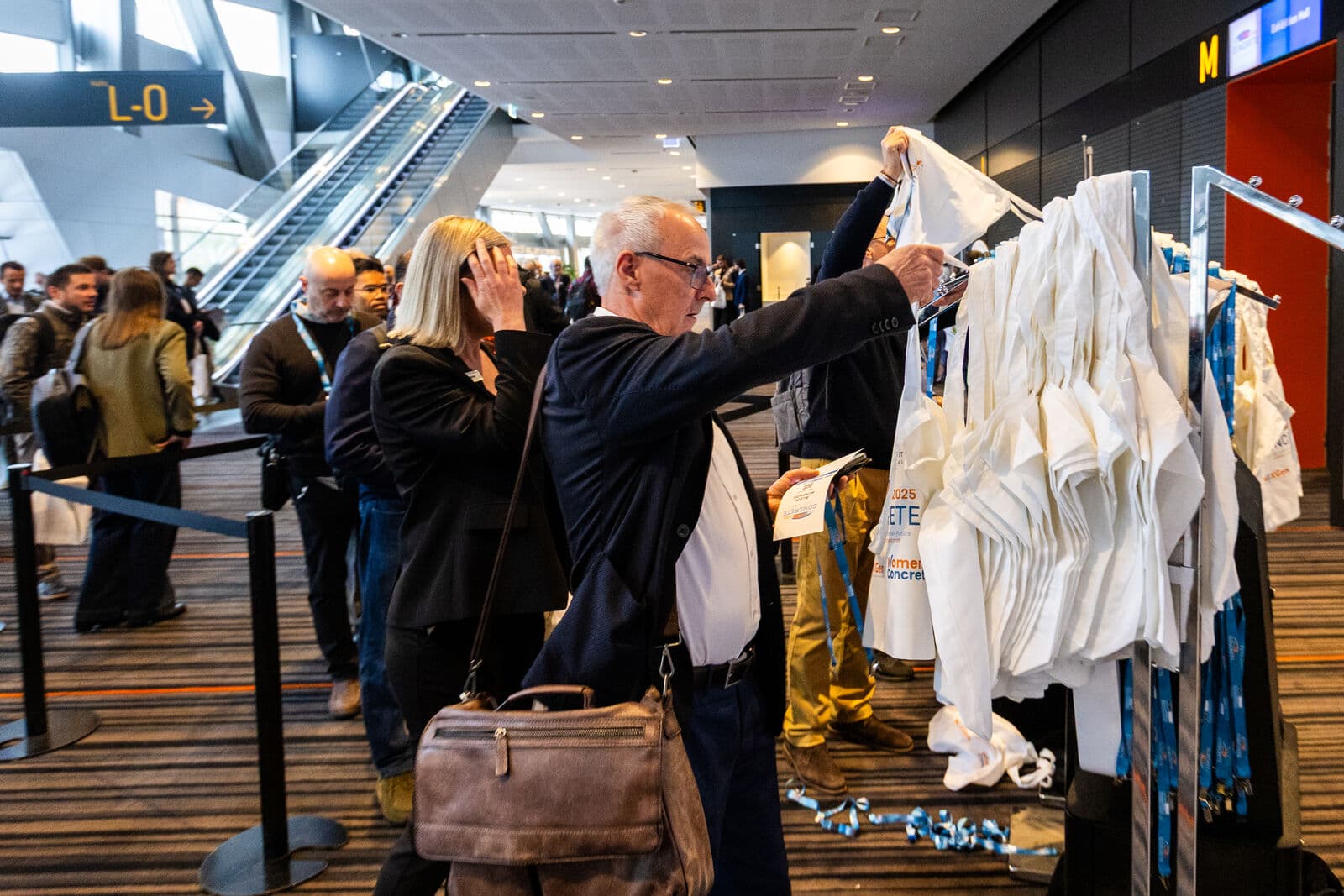
Registration desk ready. Walk-in registration process confirmed. Payment terminal tested if applicable. Printed attendee list as backup. Lanyards, badges, and welcome materials laid out and accessible.
During the event
Once it's running, your job shifts from setup to monitoring. The checklist here is about spotting problems before they become visible to attendees.
Monitor check-in flow. If a queue builds, open another station or switch to a faster process. The first 20 minutes of registration set the tone for the entire event.
Track session attendance. Not for reporting — for capacity management. If a session is filling up, you need to know before people are turned away at the door. If a room is half-empty, you might redirect overflow from a popular session.
Handle speaker no-shows. Have a plan. Know which sessions can be extended, which speakers are willing to fill a gap, and who on your team makes the call. A 5-minute delay is recoverable. A 30-minute gap with no communication isn't.
Exhibitor last-minute issues. Power, Wi-Fi, signage, missing deliveries. Designate one person as the exhibitor point of contact so problems come to one place instead of scattered across walkie channels.
Manage capacity in popular sessions. If a room hits capacity, have a plan: overflow viewing area, live stream to another room, or a clear "session full" sign with directions to the next best option. Standing-room chaos is avoidable.
End of day
The event isn't over when the last session ends. The final hour determines how clean your data is and how smoothly tomorrow starts.
Session recordings confirmed. Check that recordings captured correctly for every recorded session. A missed recording is only recoverable if you catch it today.
Exhibitor check-out. Confirm any exhibitor departures, collect access badges, note any damage or issues while they're fresh.
Attendee feedback collection triggered. Send the survey while the event is still in their heads. Not tomorrow. Not next week. Today. Response rates drop by roughly half for every 24 hours you wait.
Next-day prep. If it's a multi-day event: what needs to change overnight? Room reconfigurations, updated signage, adjusted registration setup. Brief the morning team now so they're not figuring it out at 7am.
The point
A short checklist you actually use beats a comprehensive document you don't. Print it. Laminate it if you're feeling organised. Stick it somewhere you'll see it when things get hectic.
ema's task management and real-time dashboard give you a digital version of this — live check-in numbers, session capacity tracking, task assignments across your team. But even without that, a one-page checklist and a clear head will get you through most event days.
The events that run smoothly aren't the ones with the thickest run sheets. They're the ones where someone checked the Wi-Fi at 7am.