

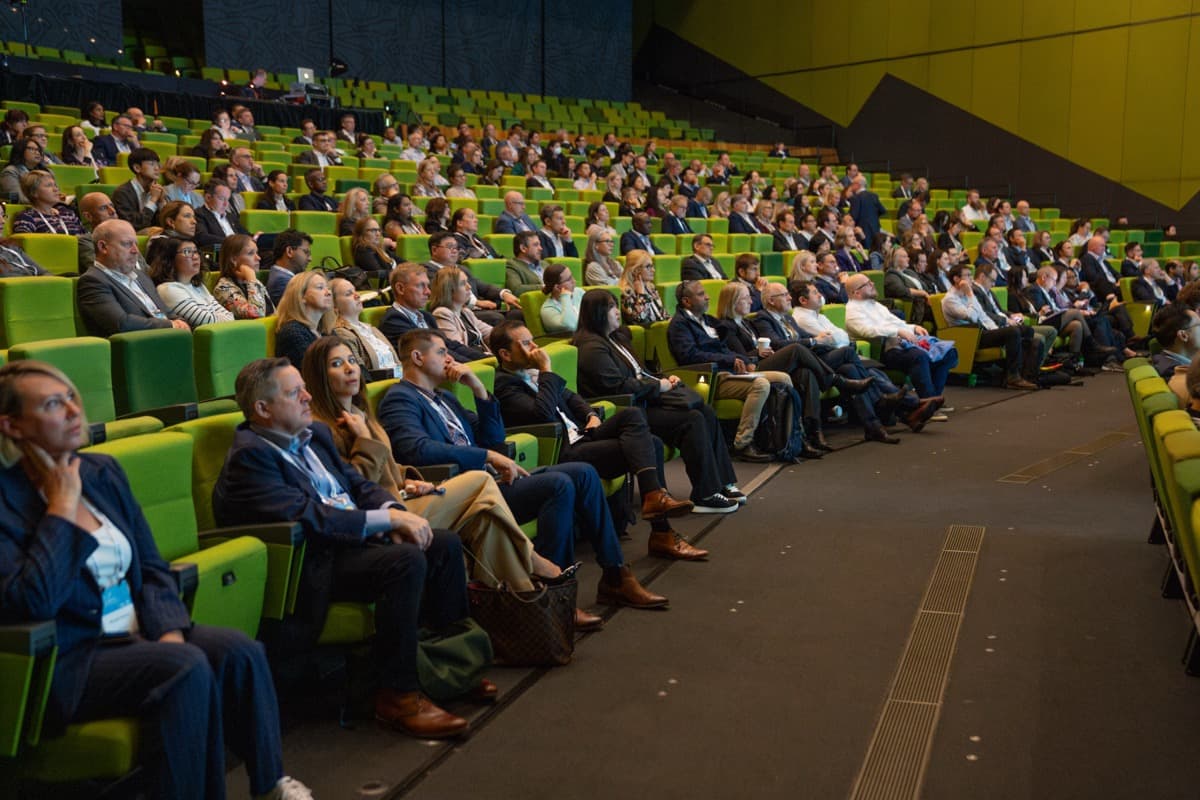
Managing speakers from CFP to stage
The speaker lifecycle has six stages: CFP setup, review, decisions, content collection, logistics, and event day. Most event teams handle each one in a different tool — or a different tab. This is a walkthrough of what each stage looks like when the whole thing is connected.
Stage 1: CFP setup
A good call for papers collects what your review committee actually needs, without making speakers fill in 30 fields just to submit a 250-word abstract.
In ema, you configure submission forms per event. You define tracks (if you have them), set word limits on abstracts, specify what formats you're accepting (talk, panel, workshop, lightning talk), and add any custom fields your programme committee wants — industry vertical, experience level, target audience. You set a deadline, and optionally a second deadline for late submissions at a different priority.
You also set formatting requirements up front: maximum abstract length, required bio fields, optional supporting materials like slide samples or video links. These show up as clear instructions on the form, not as a paragraph buried in the CFP announcement email that half your submitters never read.
The submission portal is branded to your event. Speakers see it as part of your conference, not a third-party form tool.
Stage 2: Review
Once submissions close (or while they're still open, if you review on a rolling basis), the review workflow kicks in.
In ema, you assign reviewers to submissions — by track, by random allocation, or manually. You define scoring criteria: originality, relevance, speaker credibility, topic fit, whatever matters for your event. Each criterion gets a scale. Reviewers score and comment in context, attached to the submission itself.
You can enable blind review so reviewers don't see speaker names or affiliations — useful for reducing bias in academic or research-heavy programmes. Committee members can see each other's scores and comments, or not, depending on how you configure visibility.
The programme chair gets a dashboard showing review progress: how many submissions are scored, which reviewers are lagging, where there's scoring disagreement that needs a conversation. No chasing people for updates over email. The status is right there.
Stage 3: Decisions
Reviews are in. Time to sort the submissions and make calls.
In ema, you can sort by average score, filter by track, and make decisions in bulk. Accept the top tier. Waitlist the borderline. Reject the rest. Each decision triggers an automated notification — templated but customisable per decision type, sent from your event domain.
Waitlist management is where most manual processes fall apart. In ema, waitlisted speakers are tracked with their position and status. When an accepted speaker declines, you promote the next waitlisted submission with one click. The promoted speaker gets an acceptance notification automatically. No manually drafting emails, no forgetting who was next in line.
Rejection notifications can include feedback from the review process if you choose to share it. Some conferences do, some don't. Either way, the communication is consistent and timely — speakers aren't left wondering for weeks.
Stage 4: Content collection
Acceptance is the start of a new workflow, not the end of the process.
Accepted speakers need to submit their presentation materials, and you need those materials in the right format, on time, and versioned so you're not guessing which file is current.
In ema, each speaker's portal shows exactly what's needed: slide deck in a specific format, headshot at minimum resolution, updated bio, any supplementary materials. Upload requirements are enforced — wrong format gets flagged immediately, not discovered by your production team two days before the event.
Version tracking means you always see the latest upload, with full history. When a speaker updates their slides on Wednesday night, you know it. Deadline reminders go out automatically — one week before, three days before, the day of. You set the cadence, ema sends them.
For conferences with 50 or more speakers, this replaces the familiar spreadsheet of "who's sent slides" that someone updates manually (when they remember to check their inbox).
Stage 5: Logistics
This is the coordination stage, and it's where disconnected tools hurt the most.
Each session in ema carries structured fields for AV requirements: microphone type, confidence monitor, live demo setup, internet connectivity, recording consent. Speakers fill these in through their portal. Your production team sees them aggregated by room and time slot, not scattered across email threads.
Session timing — talk length, Q&A allocation, changeover buffer — is set in the schedule builder, which already knows the speaker, the room, and the track. Room assignments account for expected attendance, equipment needs, and speaker availability. If a speaker has two sessions, the scheduler flags conflicts before you create them.
Travel and accommodation coordination happens through discussion threads tied to the session or the speaker profile. These replace the email chains that nobody can find three weeks later. Need to confirm a speaker's arrival time? The thread is right there, with full history, visible to anyone on the team who needs it.
Stage 6: Event day
Everything up to this point has been building toward one thing: a smooth day-of experience for both organisers and speakers.
In ema, the final schedule is confirmed and visible to speakers in their portal — room number, session time, setup instructions, green room location. Any last-minute changes propagate instantly. No printed schedules to reprint, no "please check your email for the updated version."
Speaker green room coordination — who's arriving when, who needs a tech check, who's on next — is managed from the same system that built the schedule. Your stage manager and your programme coordinator are looking at the same data, not reconciling two different spreadsheets.
Live session management means marking sessions as in-progress, started, or complete. If a session runs over and you need to adjust the rest of the day, the change is visible to everyone immediately — speakers, attendees, production staff.
Why one system matters
Any individual stage here can be solved with a standalone tool. A form builder for submissions. A spreadsheet for reviews. An email template for decisions. A file-sharing tool for slides. A messaging app for logistics. A printed schedule for event day.
The problem is the gaps between them. The submission data that has to be re-entered into the review spreadsheet. The acceptance decision that triggers a manual email. The AV requirements that live in one thread while the room assignment lives in another tool. Every gap is a place where something gets lost.
In ema, Stage 1 flows into Stage 2, which flows into Stage 3, and so on through to Stage 6. Speaker data, session details, materials, logistics, and scheduling are one connected record. Nothing needs to be re-entered, re-synced, or reconciled across tools.
For conferences managing 50 to 200 speakers, that's not a convenience. It's the difference between a speaker experience that feels organised and one that feels like it's held together with hope.