

Digital Signage & Content CMS
Design slides, assign them to screens, and let live event data keep everything current. Holding screens, door panels, wayfinding displays, and lobby signage — all managed from one canvas editor.
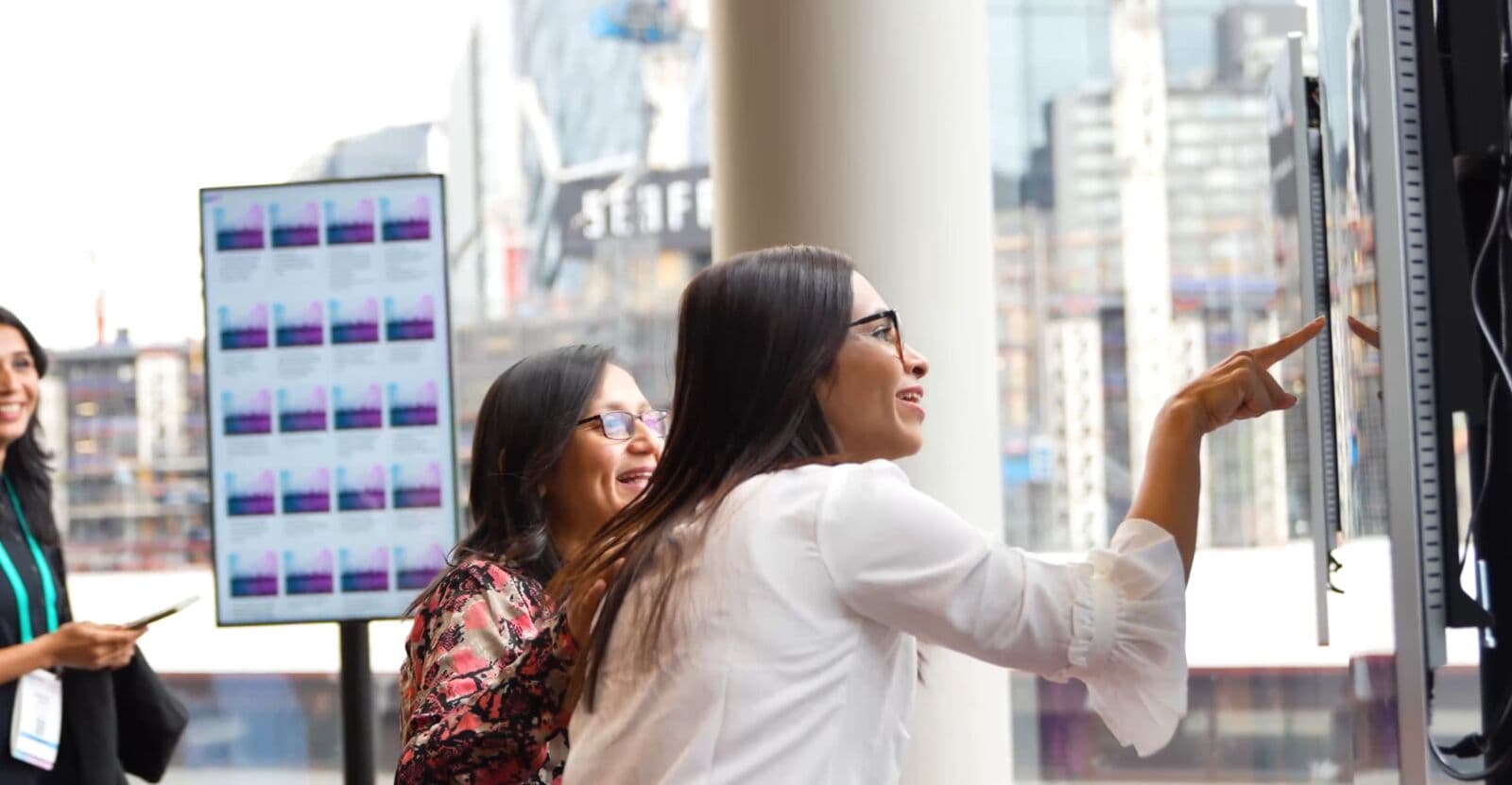
On the event floor
Capabilities
Everything your content workflow needs
Purpose-built tools, status signals, and collaboration patterns that keep the work moving without adding another disconnected system.
Visual Slide Designer
Canvas-based drag-and-drop editor for slides. Add text, images, video, logos, schedules, countdowns, QR codes, progress bars, and sponsor rows.
Four Surface Types
Room holding slides, door panels showing current and next sessions, wayfinding screens with hallway schedules, and general signage for lobbies and sponsor content.
Template System
System templates, organisation templates, and project templates. Clone, customise, and configure branded slots so every screen matches your event identity.
Smart Playlists
Tracks that auto-populate from live event data — today's schedule, current session, sponsor rotation, countdown to next session. Content updates itself.
Live Data Bindings
Bind slides to real event data: current speaker name, session title, room schedule, sponsor logos. When the data changes, the screen updates.
Screen Registry & Management
Register physical screens, pair them to devices, and assign to rooms or floors on the floor plan. See every screen's status from one dashboard.
Cloud + On-Site Resilience
Screens work via cloud or a local on-site server. If venue internet drops, on-site screens keep running without interruption.
Operator Overrides
Push emergency broadcasts, sponsor takeovers, or session-specific content to any screen instantly. Scope-based overrides give operators full control.
Workflow
From setup to launch
Each step is designed to make ownership, status, and the next action obvious to the whole event team.
Design your slides
Use the canvas editor to build slides for holding screens, door panels, wayfinding displays, and general signage. Bind content to live event data.
Assign to screens
Register your physical screens, pair them to devices, and assign playlists to each screen or group of screens.
Content plays automatically
Smart playlists pull live data from your event. When sessions change, screens update. No manual intervention required.
Override when needed
Push emergency messages, sponsor takeovers, or ad-hoc content to any screen at any time. Changes appear instantly.
Connected features
Part of the full event operations system
These adjacent tools share the same event data, so teams can move between workflows without rebuilding context.
Get started
See how ema fits your next event
One platform for your entire event team, with packages that start from $499/month and scale around your event operations.